How-to videosLearn the portal
Learn the portal
in minutes.
Short, easy to follow videos that walk you through every step of designing and ordering with TrueFit.
Short, easy to follow videos that walk you through every step of designing and ordering with TrueFit.
New to TrueFit? This walkthrough takes you from start to finish, so you can see how an order comes together before you dive in.
Jump straight to the part you need. Each video covers one task in the portal.
Start a new job in the portal and set it up for your project.
Browse the cabinet library and add products to your room.
Choose your board colours, finishes and edging.
Set room dimensions and defaults so every cabinet starts out right.
Add doors, drawer fronts, end panels and fillers to finish the look.
Review your pricing and send your order through to our workshop.
Update your details, delivery address and account preferences.
Get familiar with moving around and placing cabinets in the 3D planner.
More controls for adjusting, aligning and reviewing your design in 3D.
Move around your room and view your design from every angle.
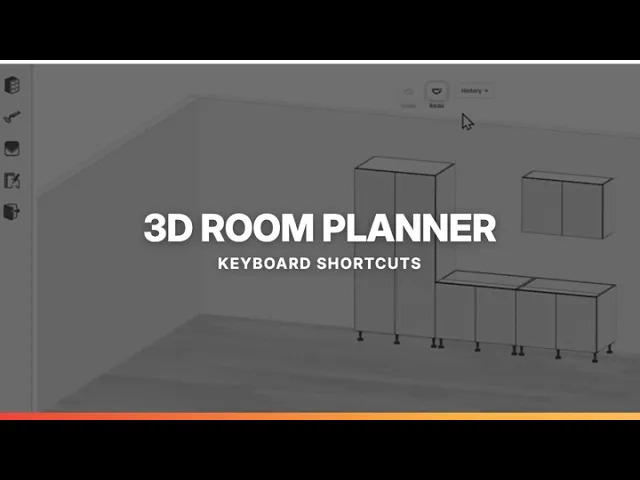
Handy shortcuts that make designing in the 3D planner quicker.
Add products to your room in fewer clicks.
Save the products you use most so they’re easy to find.
Copy products and whole rooms instead of starting from scratch.
Set your preferred defaults once so they apply across your account.
Add benchtops to your job and choose your finish.
Review every item in your order before you submit it.
Create a free account to see live pricing and place your first order. Choose the portal that suits you.
Lock in cabinet costs early and check live supply pricing for flat pack cabinets at the click of a button.
Register as TradeCustom cabinets at a fraction of retail. Design and order online, then install yourself with our guides.
Register as DIY